



01
Answer from company knowledge
Connect the documents, policies, product information, and guidance your team already trusts, then make that knowledge available in Slack.
Knowledge in every channel
Give your team fast, source-backed answers from approved company knowledge without leaving the conversations where work already happens.
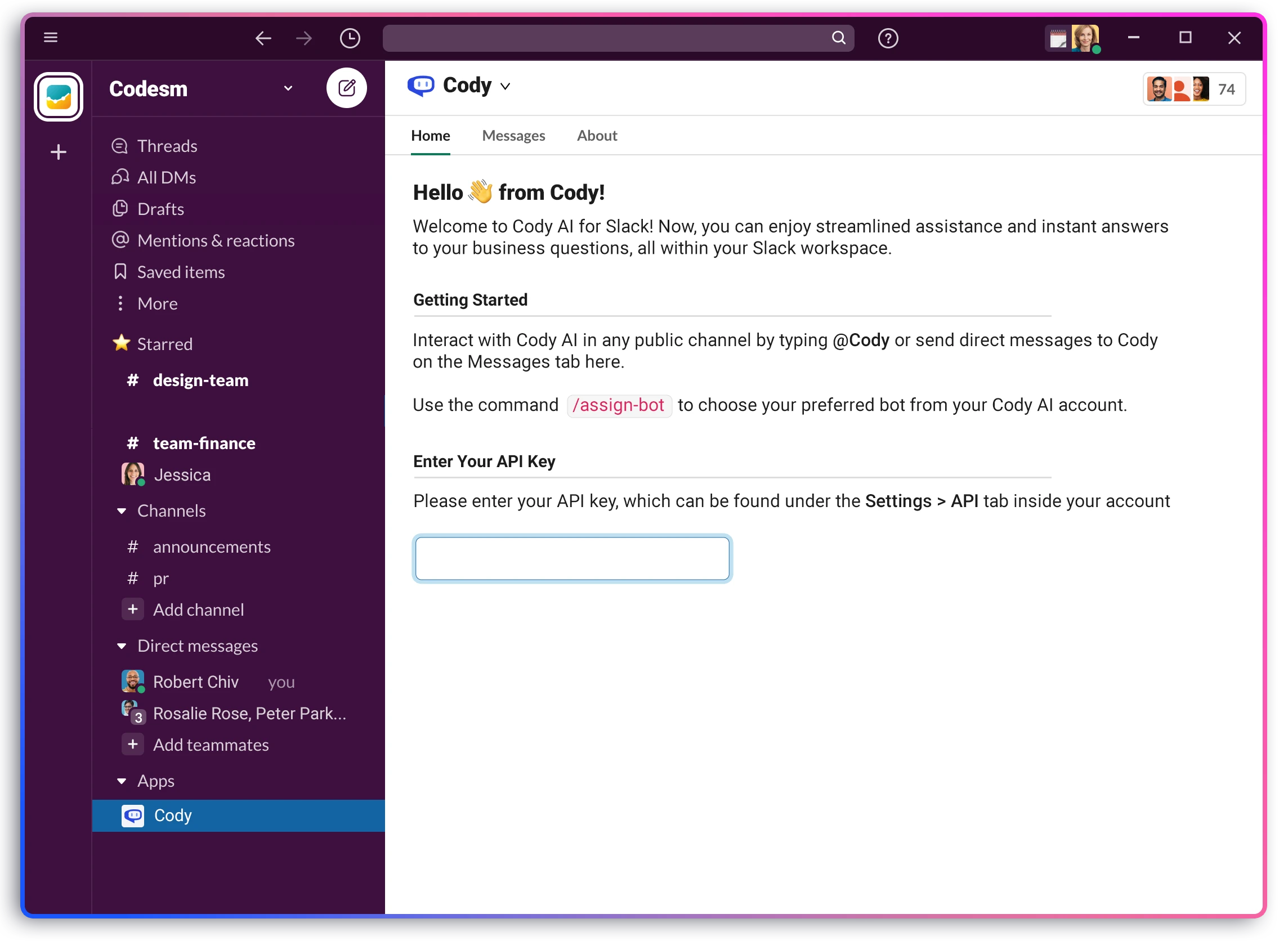
Knowledge without the tool switch
Cody brings an assistant trained on your business into Slack. Teammates can ask a question in natural language and receive an answer based on the company knowledge connected to that assistant.
Use Cody on yourwebsitefor visitor questions, or add the same grounded knowledge to aDiscord assistant. Each experience can start from the knowledge you already manage in Cody.
01
Connect the documents, policies, product information, and guidance your team already trusts, then make that knowledge available in Slack.
02
Let people ask where the conversation is already happening instead of switching tools, searching folders, or waiting for the right colleague.
03
Use Cody in shared channels so the question, answer, and supporting context can help the whole team move forward.
Answers in context
Bring Cody into a team conversation when a question comes up. The answer stays beside the work, so the people who need it can see the same context and keep moving.
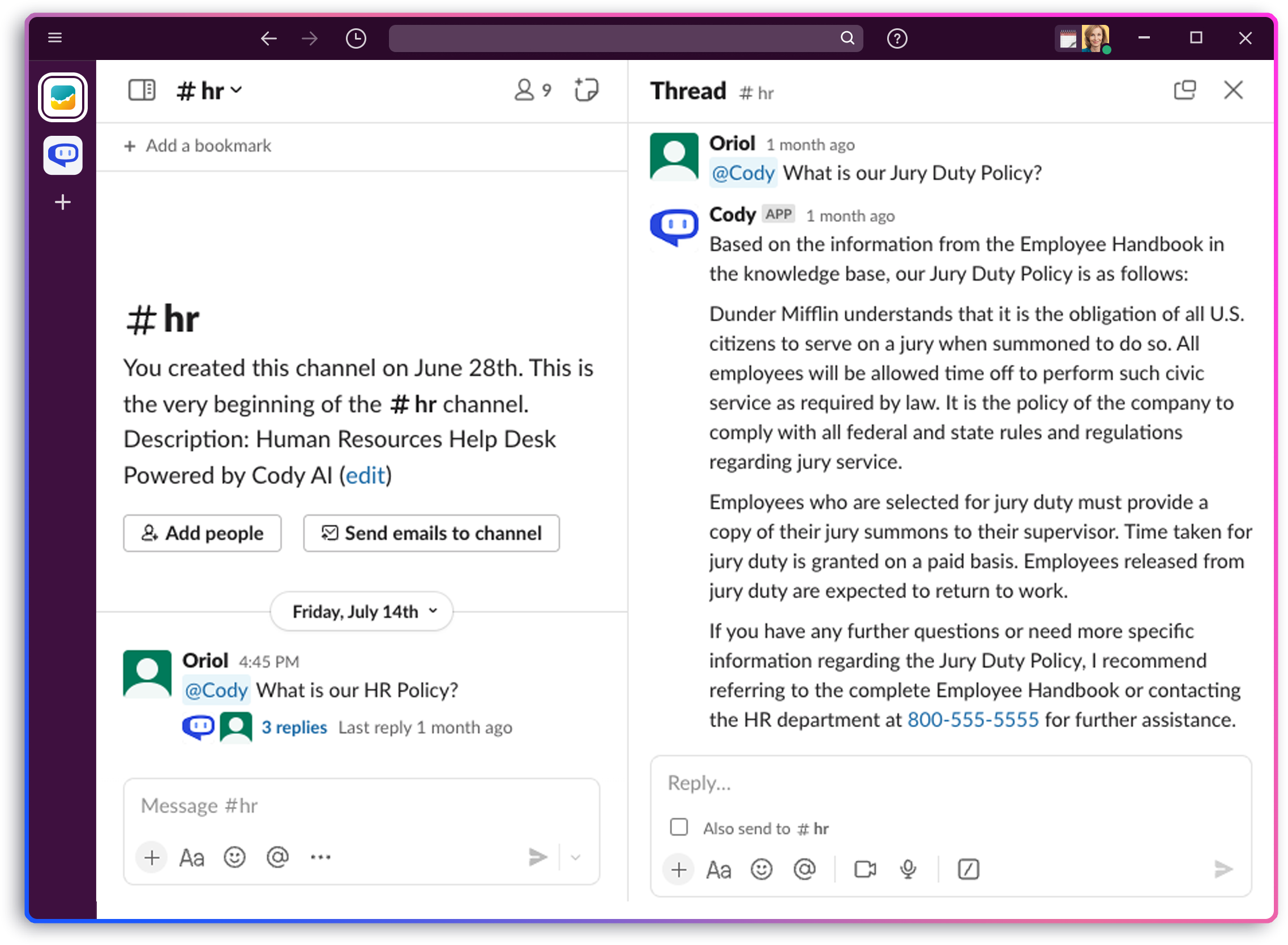
From knowledge to channel
Build a Cody assistant from the business content you approve, including documents, websites, and written guidance.
Authorize Cody for your workspace and choose the assistant your team should use in its conversations.
Message Cody directly or bring it into a channel when the answer should be useful to everyone in the conversation.
The essentials about bringing a business-trained Cody assistant into Slack.
An AI assistant for Slack lets people ask questions and receive useful answers inside their workspace. Cody grounds those answers in the business knowledge you connect and approve.
Yes. You can connect documents, websites, and written knowledge to a Cody assistant, then make that assistant available to your team in Slack.
Yes. Cody can participate where the team is already discussing a question, which keeps the answer and its context visible to the people doing the work.
Yes. Cody can help multilingual and distributed teams ask questions and work with shared business knowledge without leaving Slack.
Cody for Slack
Connect your Cody assistant to Slack and help the team find useful answers without leaving the conversation.